
Introduction
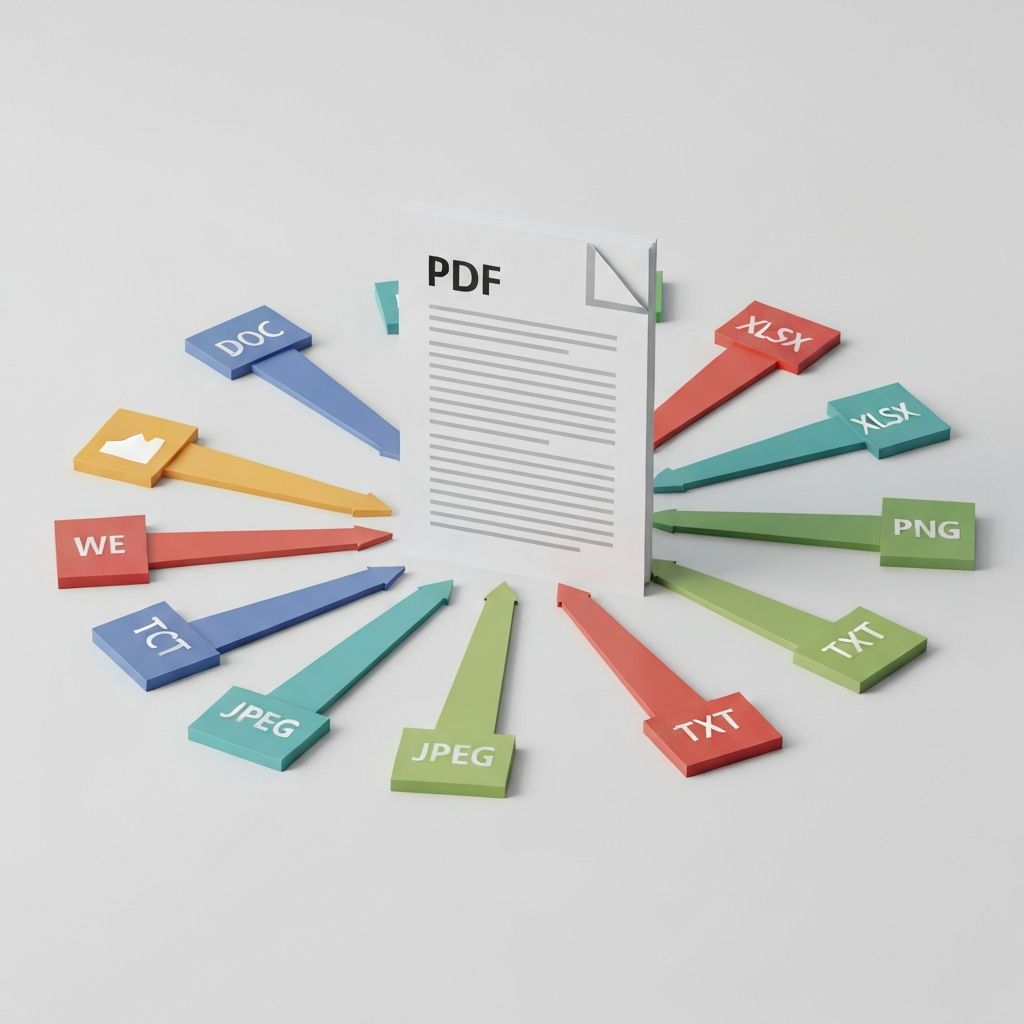
PDFs are the backbone of document sharing, but sometimes you need your content in a different format. Whether you're extracting text for editing or converting images to PDF for archiving, this guide covers everything you need to know.
Understanding PDF Structure
PDFs (Portable Document Format) were designed by Adobe to present documents consistently across all platforms. They can contain:
This complexity is why PDF conversion can be challenging—and why choosing the right tool matters.
PDF to Word Conversion
When to Convert PDF to Word
Best Practices
PDF to Image Conversion
Converting PDFs to images (JPG, PNG) is useful for:
Choosing the Right Image Format
JPG: Best for photos and complex images with many colors. Smaller file sizes with some quality loss.
PNG: Ideal for documents with text, logos, or graphics. Larger files but lossless quality.
TIFF: Professional printing and archiving. Very large files with maximum quality.
Resolution Matters
Image to PDF Conversion
Use Cases
Tips for Best Results
Maintaining Document Integrity
Preserving Formatting
Handling Special Elements
Common PDF Conversion Scenarios
Scenario 1: Contract Editing
Convert PDF to Word → Make changes → Convert back to PDF → Sign digitally
Scenario 2: Social Media Post
Convert PDF page to JPG → Resize for platform → Share
Scenario 3: Document Archive
Scan paper documents → Convert to PDF → Apply OCR → Store searchably
Why FreeConvert.ai for PDFs
Scenario 2: Social Media Post
Convert PDF page to JPG → Resize for platform → Share
Scenario 3: Document Archive
Scan paper documents → Convert to PDF → Apply OCR → Store searchably
Why FreeConvert.ai for PDFs
Why FreeConvert.ai for PDFs
Our PDF converter handles complex documents with ease:
Conclusion
PDF conversion doesn't have to be frustrating. With the right tools and techniques, you can seamlessly move content between PDFs and other formats while maintaining quality and formatting.